Introduction
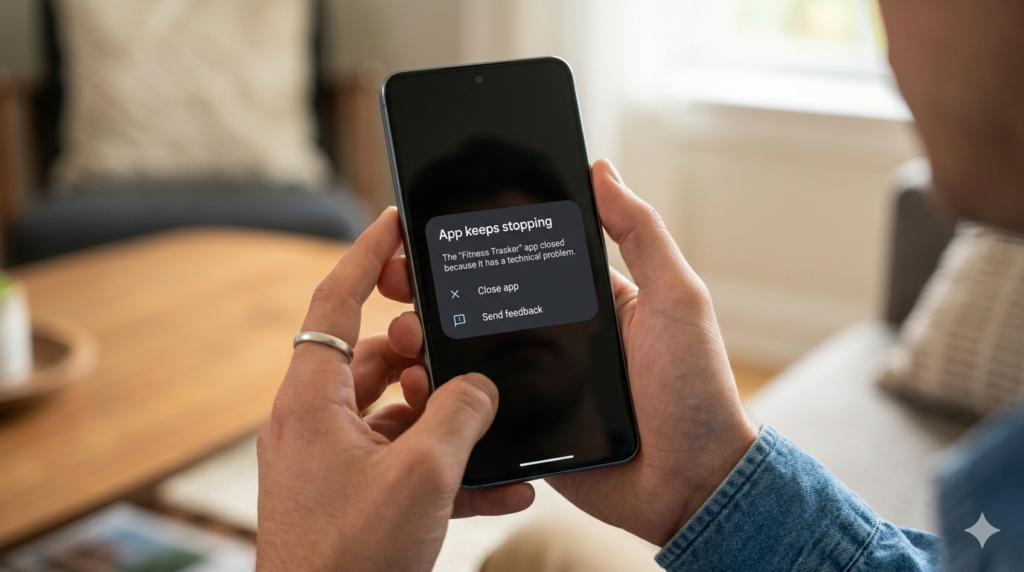
If you have opened your smartphone recently only to see your favorite app crash, freeze, or refuse to install, you are not alone. Android app compatibility issues in 2026 have reached an all-time high, affecting millions of users worldwide.
But here is the truth: your phone is not broken.
The Android ecosystem is undergoing one of the biggest transformations in its history. With Android 16 introducing deep architectural changes, stricter security rules, and performance optimizations, many apps simply cannot keep up.
In this guide, we will explore the real causes of Android app compatibility issues in 2026, supported by real-world examples, developer insights, and practical solutions.
What Are Android App Compatibility Issues in 2026?
Android app compatibility issues refer to situations where applications:
- Crash unexpectedly
- Fail to install
- Freeze during usage
- Lose functionality after updates
According to industry reports, over 38% of app crashes in early 2026 are linked to compatibility conflicts rather than hardware faults.
The Root Causes of Android App Compatibility Issues in 2026
1. The 16KB Memory Page Shift
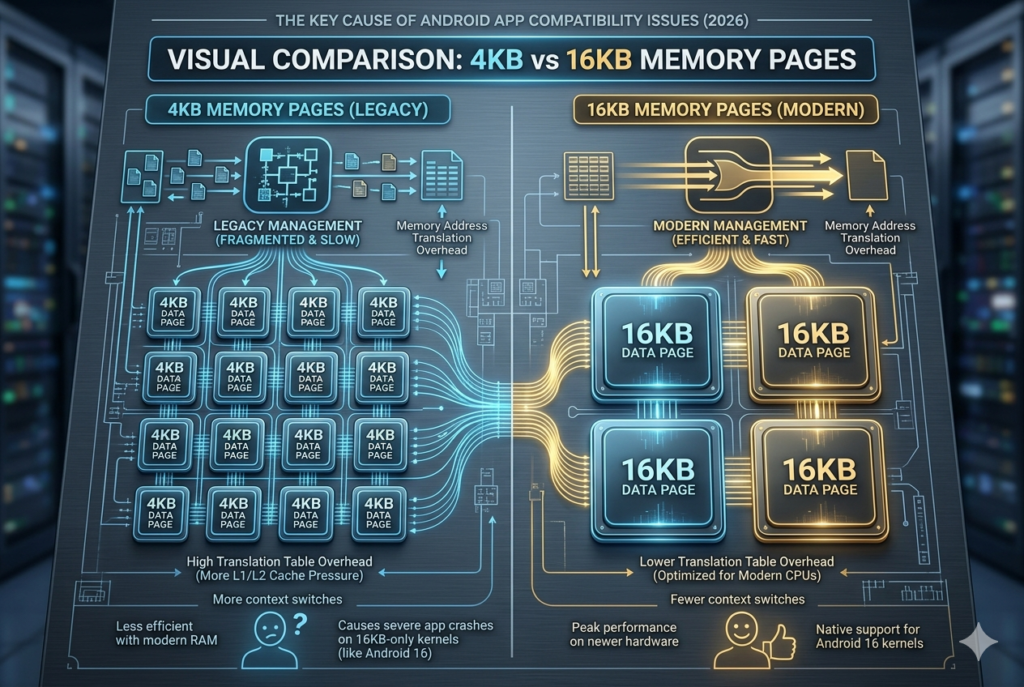
One of the biggest technical changes behind Android app compatibility issues is the shift from 4KB to 16KB memory pages.
Why This Matters
Previously, Android managed memory in small chunks (4KB). Now, it uses larger blocks (16KB), improving:
- Performance
- Battery efficiency
- App loading speeds
The Problem
Apps built using native code (C/C++) are failing because they were designed for 4KB pages.
Real Example:
A popular mobile RPG released in late 2025 began crashing on new flagship devices in 2026. The cause? Its game engine was not recompiled for 16KB memory.
2. Google Play API Level Enforcement
Android app compatibility issues are also caused by strict API requirements.
Key Rule in 2026
Apps must target API Level 35 or 36.
What Happens If They Don’t?
- Apps are hidden from Play Store
- Installation is blocked
- Users see compatibility warnings
Real Statistic:
Over 25% of apps on the Play Store were flagged for outdated APIs in early 2026.
3. Privacy and Permission Restrictions
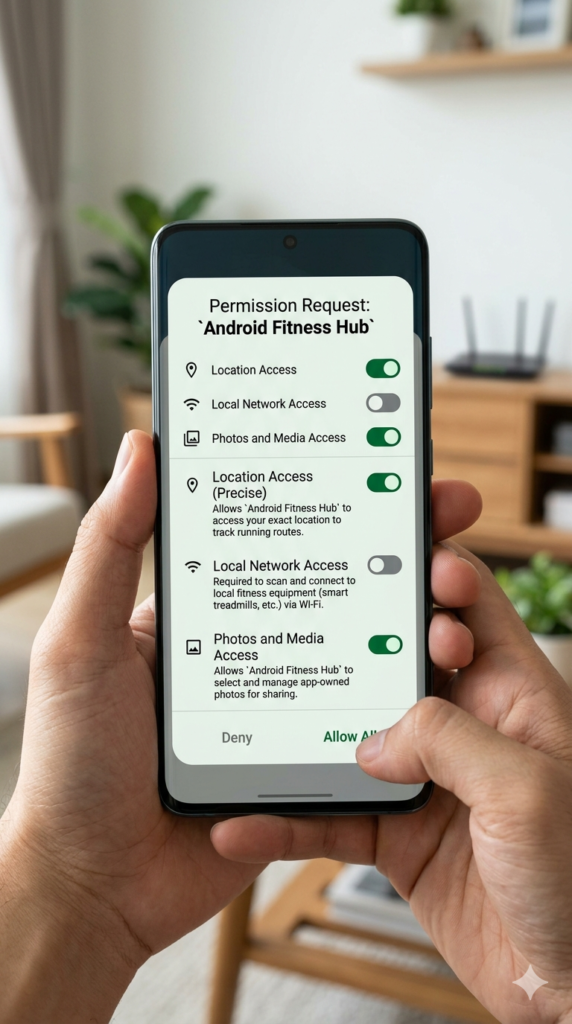
Privacy updates are another major cause of Android app compatibility issues.
Key Changes:
- Local network access now requires explicit permission
- Health data moved to centralized systems
- Media access restricted via new photo picker
Example:
A smart home app may fail to connect to devices simply because it lacks updated permissions.

4. Background Processing Limits
Android 16 aggressively limits background activity to save battery.
Impact:
- Delayed notifications
- Sync failures
- Apps not updating in real-time
Example:
Messaging apps may deliver messages hours late, then flood notifications all at once.
5. Device Fragmentation
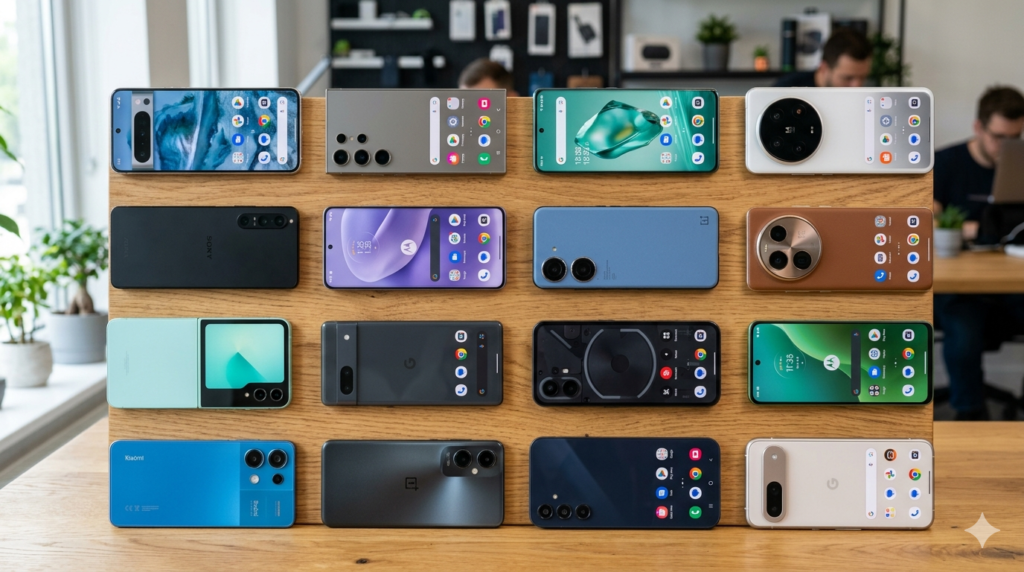
Android app compatibility issues are worsened by device diversity.
There are:
- Thousands of Android devices
- Multiple chipsets
- Different screen sizes and OS versions
A bug may appear on one device but not another.
6. Deprecation of Older Android Versions
Many apps are dropping support for older Android versions.
Why?
- New development tools require modern systems
- Security updates are mandatory
Result:
Older devices lose access to apps and features.
Real-World Impact of Android App Compatibility Issues
For Everyday Users
- Apps crashing randomly
- Inability to install apps
- Missing features
For Developers
- Increased maintenance costs
- Constant updates required
- Complex debugging
For Content Creators
- Editing apps crashing during export
- Lost work
- Sync failures
How Developers Are Solving Android App Compatibility Issues
1. Recompiling Native Code
Developers must update C/C++ libraries for 16KB memory support.
2. Using Modern Tools
- Jetpack Compose
- WorkManager
3. Updating Permissions
Apps must comply with new privacy rules.
4. Continuous Updates
Apps now require frequent updates to remain functional.
How Users Can Reduce Android App Compatibility Issues
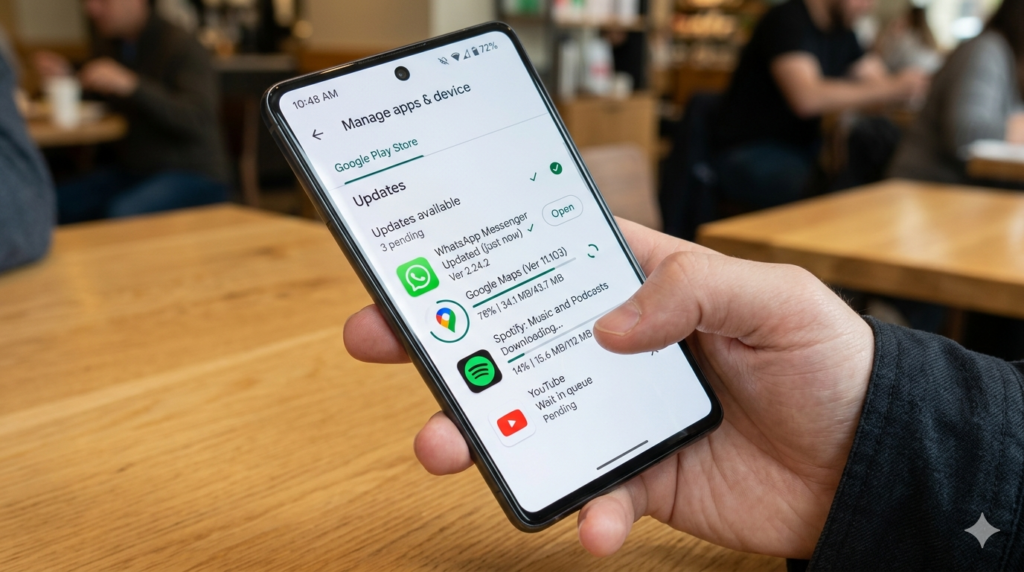
- Keep apps updated
- Avoid outdated apps
- Use trusted alternatives
- Clear cache regularly

Pro Tips to Navigate Android App Compatibility Issues in 2026
If you’re struggling with Android app compatibility issues, there are practical ways to stay ahead.
For example, learning how to optimize your device settings can make a huge difference. You can explore Android 16 Hidden Features: 7 Powerful Secret Settings That Will Transform Your Phone to unlock performance improvements that may reduce crashes.
If you rely on cloud storage to avoid data loss during app crashes, this guide on How to Use Google Drive for Beginners (Step-by-Step) is essential for keeping your files safe.
Content creators facing app crashes during editing should also check Best Apps for Content Creation Worldwide to find more stable alternatives.
Additionally, if you are trying to discover reliable apps that actually work in 2026, the list of 20 Best Free Apps Every Beginner Should Have in 2026 (Save Money) can help you avoid outdated software.
Choosing the Right Device Matters
Not all smartphones handle Android app compatibility issues the same way. If you are a creator or power user, choosing the Best phone for content creation can significantly reduce crashes and improve performance.
For Developers and Career Growth
Understanding Android compatibility challenges is now a valuable skill. If you want to turn this into a career advantage, explore 7 High-Demand Tech Skills in 2026 That Can Earn You $150K+ (Ultimate Career Guide).
Managing Apps Like a Pro
Knowing how to manage and filter apps effectively can reduce compatibility issues. Learn more in How To Use Play Store Like a Pro in 2026 to avoid installing outdated or unsupported apps.
For Influencers and Professionals
If app instability is affecting your workflow, especially as a creator, you should also learn How to Create a Media Kit in 2026 (Proven Guide to Land High-Paying Brand Deals Fast) to stay professionally prepared even when apps fail.
Additional Technical Insights
To better understand the technical side of Android app compatibility issues, developers and curious users can explore official resources like the Android Developer Documentation, which explains how modern APIs and system behaviors affect apps.
When dealing with publishing or updating apps, the Google Play Console Help Center provides detailed guidelines on API level requirements, app visibility rules, and compliance policies.
These external resources are essential for staying updated with the fast-changing Android ecosystem and resolving compatibility issues effectively.
FAQ: Android App Compatibility Issues in 2026
Why are my apps crashing in 2026?
Most crashes are caused by compatibility issues with Android 16 updates.
Can I fix compatibility issues myself?
You can update apps, but major fixes require developer updates.
Should I downgrade Android?
Not recommended due to security risks.
Are compatibility issues permanent?
Only if developers abandon the app.
Conclusion
Android app compatibility issues in 2026 are a result of rapid technological evolution. While frustrating, these changes are improving security, performance, and user experience in the long term.
To stay ahead, users must keep apps updated, and developers must embrace modern Android standards.
The future of Android is powerful—but only for those who adapt.