Introduction: Why the Best Apps for Content Creation Matter in 2026
In 2026, the creator economy has grown into a $250 billion global industry. From TikTok sensations in Asia to YouTube vloggers in the U.S. and Instagram influencers across Europe, a smartphone is no longer just a device—it’s a full content studio in your pocket.
Consider a lifestyle creator who started on YouTube with outdated desktop software. Editing a single 10-minute video took 8 hours, retention was only 15%, and burnout was inevitable.
Once they switched to a smartphone workflow using the right video editing app, editing time dropped to 2 hours, and retention increased to 45%.
The lesson is clear: using the best apps for content creation 2026 doesn’t just improve visuals—it directly impacts engagement, efficiency, and revenue globally.
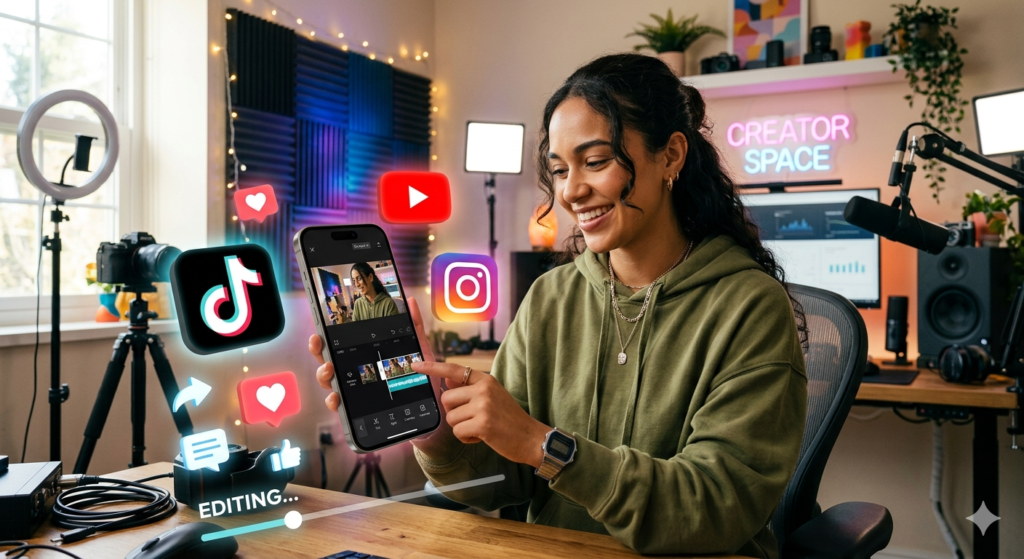
Best Apps for Content Creation
Why Choosing the Right Apps for Content Creation Is Crucial
No matter where you are in the world, your apps determine:
- Time efficiency: Edit faster, post consistently
- Engagement: Retain viewers and followers
- Professionalism: Impress brands and audiences
Creators worldwide who optimize their workflow report:
- 2–4x faster editing times
- 30–40% higher engagement on posts
- Reduced burnout for sustainable growth
Managing your productivity is just as important. Check out Best Apps for Productivity and Daily Tasks That Actually Work for global solutions to streamline your day.
Core Categories of Content Creation Apps
The right “stack” of apps is essential for global creators. Let’s break them down.
Video Editing Apps: CapCut vs. InShot
Short-form video dominates worldwide. Your choice of editor is critical for TikTok, Instagram Reels, and YouTube Shorts.
CapCut: The Viral Global Powerhouse
Owned by ByteDance, CapCut is perfect for fast, trendy, short-form videos.
Key Features:
- Auto-captions in multiple languages
- One-tap background removal
- Trending global audio integrations
- Templates for instant editing
Stats:
- Over 500 million active monthly users
- Creators worldwide report rapid follower growth using CapCut templates
Anecdote: A beauty creator in Europe gained 100K TikTok followers in 3 months using CapCut’s trending templates, reducing editing time by 70%.
InShot: The Reliable Classic
Ideal for creators who prefer simplicity.
- Resize videos for multiple platforms
- Adjust speed and add text overlays
- User-friendly interface for beginners
Price: Free (watermark removal optional)
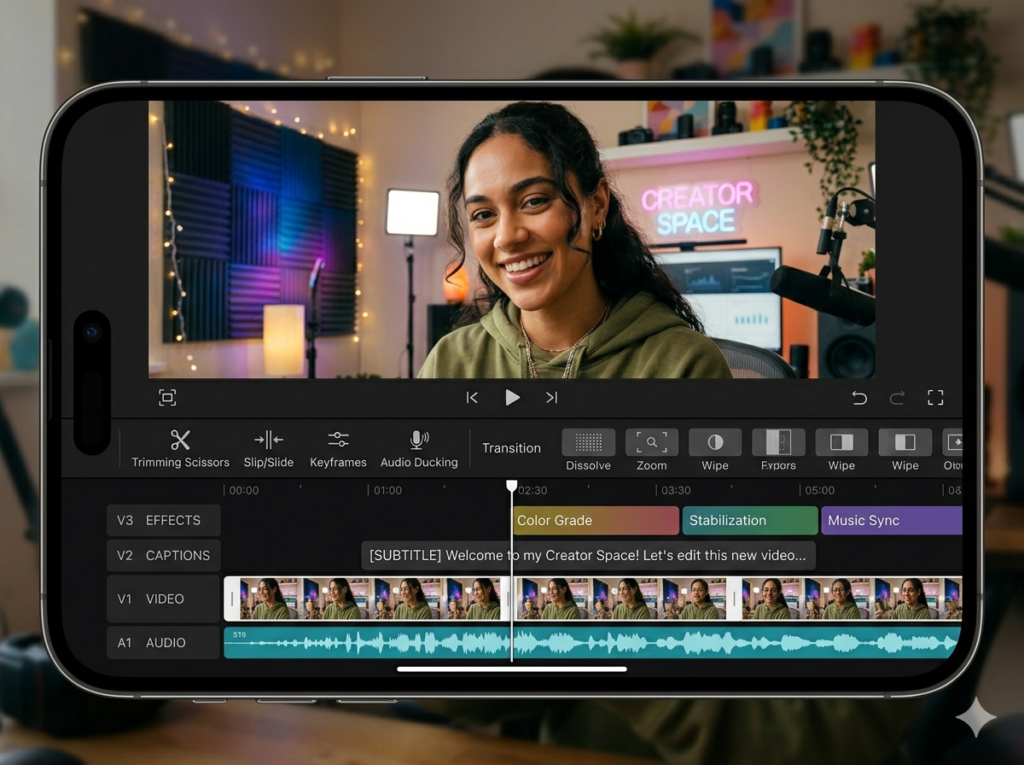
Best Apps for Content Creation
Graphic Design Apps: Canva vs. Adobe Expres
Visuals are universal. Even a viral video can underperform if thumbnails and posts look amateur.
Canva: The Global Design Champion
- Drag-and-drop templates for social media worldwide
- Millions of stock images and graphics
- Real-world impact: Custom thumbnails → 30–40% higher CTR
Store your designs efficiently using How to Use Google Drive for Beginners (Step-by-Step) 💻.
Adobe Express: The Professional Choice
- Typography-heavy posts, complex layers
- Mobile-friendly Photoshop alternative
- Ideal for creators expanding globally
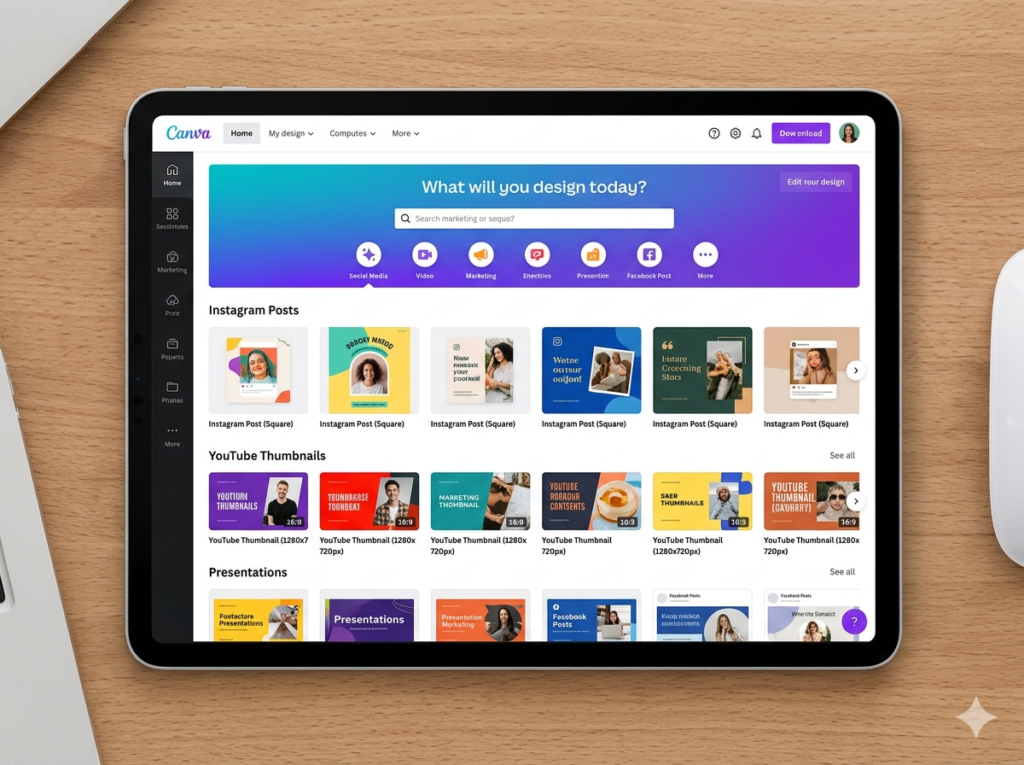
Photo Editing Apps: Lightroom Mobile
Brand consistency matters globally:
- Use Lightroom Mobile for color grading and presets
- Maintain a consistent aesthetic (bright, moody, or vibrant)
Example: Lifestyle and travel brands worldwide see 20–30% more monthly followers with consistent aesthetics.
Planning and Organization Apps: Notion
- Build content calendars
- Draft scripts, blogs, and mood boards
- Track collaborations and deadlines
Beginners should explore 15 Best Free Apps Every Beginner Should Have in 2026 (Save Money) for cost-effective global solutions.
Professional Communication & Website Management
- Email setup: How To Set Up Email on Phone in 2026 (Proven Method for Android & iPhone)
- Mobile website/blog setup: Master How to Install WordPress on Your Phone in 2026
- Monetization tracking: The Ultimate Guide to Track Expenses Using Mobile Apps in 2026 and Build Life-Changing Wealth
Choosing the Best Apps by Content Niche
| Content Type | Video App | Graphics | Planning/Storage | Notes |
|---|---|---|---|---|
| YouTube | CapCut | Canva | Google Drive | Global workflow for desktop & mobile |
| TikTok & Reels | CapCut | Notion | CapCut teleprompter | Trending global audio templates |
| Blogging/Writing | WordPress | Canva | ChatGPT/Claude | Mobile blogging workflow worldwide |
Tips for Maximizing Your Global Content Workflow
- Batch filming & editing using CapCut templates
- Pre-plan visuals in Canva/Adobe Express
- Organize all files on Google Drive
- Track global analytics: CTR, retention, engagement
- Use Notion for scripts, calendars, and collaboration
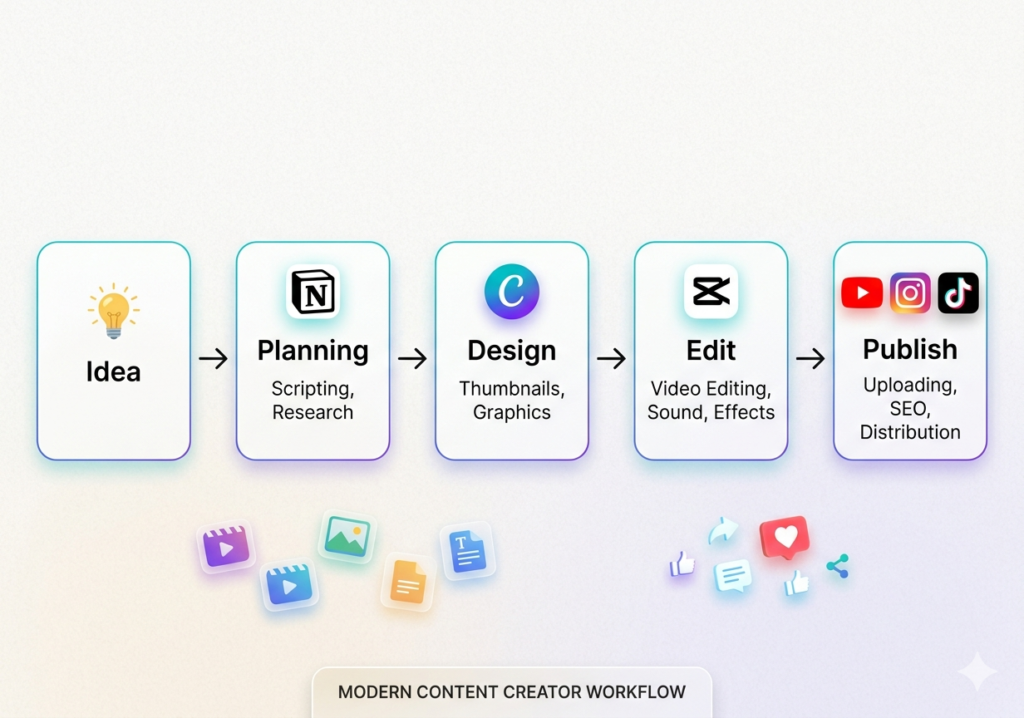
(FAQ) On Best Apps for Content Creation Worldwide
Q1: Are premium apps necessary to succeed globally?
A: No. Free versions of CapCut, Canva, and Notion are sufficient for most creators. Upgrade when necessary.
Q2: Can I edit 4K videos on a smartphone anywhere?
A: Yes, modern smartphones support 4K editing. Ensure enough storage or cloud backup.
Q3: What apps help with scheduling content worldwide?
A: Later, Buffer, and Metricool allow global social media automation.
Q4: How can I maintain brand consistency internationally?
A: Use Lightroom presets, Canva templates, and Notion calendars to maintain cohesive aesthetics globally.
Q5: What is the best free app for content creation in 2026?
A: The best free apps for content creation in 2026 include CapCut for video editing, Canva for graphic design, and Notion for planning. These tools offer powerful free features that are enough for beginners and even intermediate creators.
Q6: Which app is best for beginners in content creation?
A: Beginners should start with easy-to-use apps like CapCut and Canva. These apps provide templates, drag-and-drop features, and simple interfaces that make content creation accessible without prior experience.
Q7: How many apps do I need for content creation?
A: Most creators need at least 3–5 apps:
- One for video editing
- One for graphic design
- One for planning
- One for storage
- Optional: scheduling tool
Using too many apps can slow down your workflow, so focus on building a simple and efficient stack.
Q8: Can I create professional content using only my smartphone?
A: Yes. In 2026, smartphones are powerful enough to handle video editing, graphic design, and publishing. With the best apps for content creation 2026, many creators run full-time businesses entirely from their phones.
Q9: What are the best apps for content scheduling and automation?
A: Popular scheduling tools include Later, Buffer, and Metricool. These apps allow you to schedule posts, analyze performance, and automate publishing across multiple platforms.
Q10: How do content creators make money using these apps?
A: Creators monetize their content through:
- Ad revenue (YouTube, blogs)
- Brand sponsorships
- Affiliate marketing
- Selling digital products
Using the right apps helps improve quality and consistency, which directly increases earning potential.
Q11: Which app is best for creating viral content?
A: CapCut is widely considered the best app for creating viral content because of its trending templates, auto-captions, and integration with popular social media sounds.
Q12: What is the best app for managing content ideas?
A: Notion is one of the best apps for managing ideas, content calendars, and scripts. It acts as a central hub for organizing your entire content strategy.
Q13: How can I improve my content quality using apps?
A: You can improve quality by:
- Using presets in Lightroom for consistent visuals
- Designing professional thumbnails in Canva
- Adding captions and effects in CapCut
- Planning content in advance using Notion
Q14: Are these apps available globally?
A: Yes, most of the best apps for content creation 2026—like CapCut, Canva, and Notion—are available worldwide on both Android and iOS devices.
Q15: Do content creation apps require internet access?
A: Some features require internet (like templates and cloud storage), but many apps allow offline editing. For example, you can edit videos in CapCut without an internet connection.
Q16: What is the biggest mistake beginners make when choosing apps?
A: The biggest mistake is using too many tools at once. This leads to confusion and inefficiency. Start with a simple stack (CapCut, Canva, Notion) and expand as needed.
Q17: How often should I upgrade to premium versions?
A: Upgrade only when:
- You need advanced features
- You want to remove watermarks
- You need faster workflow tools
Many creators succeed using free versions for a long time.
Q18: Which app is best for branding and consistency?
A: Canva and Lightroom Mobile are the best for branding. Canva helps maintain consistent design templates, while Lightroom ensures uniform photo color grading.
Conclusion: Build Your Global Digital Toolbelt
Success in 2026 is about building a digital toolbelt suitable for creators worldwide:
With these tools, your smartphone becomes a global content studio, letting you create, post, and scale your brand anywhere.