⚡ Introduction: Why AI Tools for Productivity Are Essential in 2026
In 2026, productivity isn’t about working harder—it’s about working smarter.
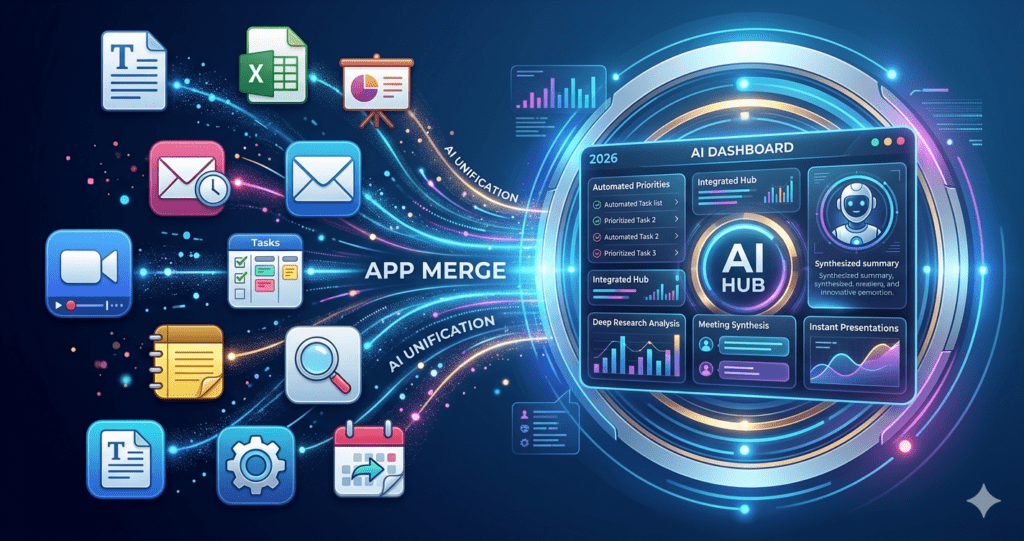
Most professionals toggle between 10–15 different apps daily—from writing tools and spreadsheets to project managers, calendars, and design software. This constant switching wastes time and drains mental energy.
That’s where AI tools for productivity come in. These tools consolidate your workflow, automate repetitive tasks, and enable creators and professionals to focus on high-value work.
If you’re building content, pairing these AI tools with best apps for content creation can drastically increase output and efficiency.
🚀 [Click here to see the full list of 2026 AI Tools]
🗂 AI Tools for Productivity: Quick Reference Table
Here’s a snapshot of the 8 top AI tools for productivity, the office apps they replace, and their key functions:
| AI Tool for Productivity | Office Apps Replaced | Key Functions | Best Use Case |
|---|---|---|---|
| ChatGPT | Google Docs, Grammarly, Research tools, Spreadsheets | Writing, editing, content generation, summarization, basic analysis | Blog posts, social media content, research, email drafts |
| Notion AI | Trello, Evernote, Confluence, Google Docs | Project management, note-taking, task tracking, document summarization | Centralized workspace for teams, automated meeting notes, project tracking |
| Gamma | PowerPoint, Google Slides, Keynote | Auto-generated presentations, interactive slides, responsive layouts | Pitch decks, media kits, client presentations |
| Fireflies.ai | Otter.ai, Zoom transcription, Manual note-taking | Meeting recording, transcription, action item extraction, sentiment analysis | Meeting summaries, team follow-ups, content repurposing |
| Perplexity AI | Google Search, Wikipedia | Fast research, formatted summaries, source citations | Market research, competitive analysis, content ideation |
| Zapier | Manual data entry, Basic RPA tools, Virtual assistants | Workflow automation, app integration, task triggers | Email automation, content distribution, repetitive task elimination |
| Motion | Calendly, Google Calendar, Todoist | Priority-based scheduling, automatic rescheduling, deadline tracking | Optimized daily planning, task management, time-blocking |
| Canva | Adobe Express, Stock photo subscriptions, Basic video editors | AI-powered design, video creation, image generation | Social media content, marketing graphics, video content creation |
💡 How to Use This Table
The table is your roadmap for building a complete AI-powered workflow. Instead of toggling between 10–15 apps, focus on these 8 tools for maximum efficiency:
- ChatGPT + Notion AI: Plan, write, and track content
- Gamma + Canva: Turn ideas into visuals and presentations
- Zapier + Motion: Automate repetitive tasks and scheduling
- Fireflies.ai: Capture meetings and repurpose content
Pair this setup with guides like 15 Best US Remote Jobs Without a VPN in 2026 to monetize your skills.
🧠 1. ChatGPT — The Ultimate AI Tool for Productivity
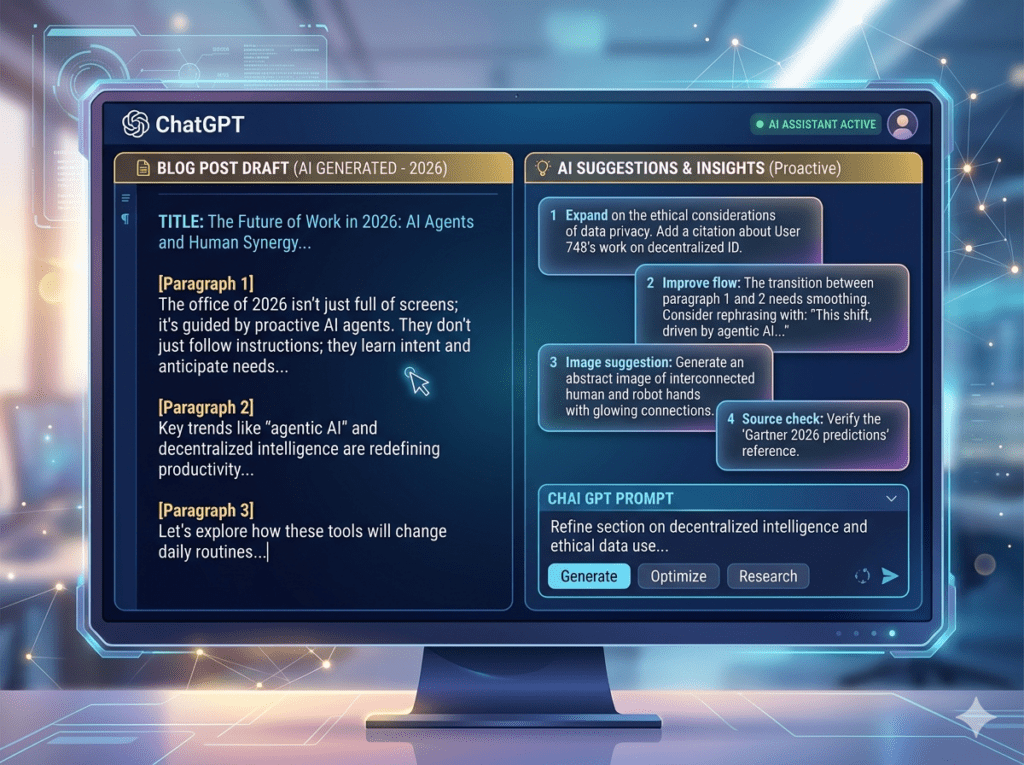
ChatGPT is the most versatile AI tool for productivity, capable of replacing multiple apps at once:
- Google Docs
- Grammarly
- Research tools
- Basic spreadsheets
🔥 Capabilities
- Content Creation: Blog posts, social media, email drafts
- Editing & Proofreading: Polishes text to sound human
- Research & Summaries: Saves hours reading documents
- Data Analysis: Generates tables, insights, and charts
💡 Smart Workflow Example
A creator workflow:
- ChatGPT drafts a blog post
- Summarizes research
- Generates social media snippets
- Creates a content plan
Pair this with 7 Best AI Prompts to Humanize AI Content to ensure human-like tone.
📊 Real Numbers
- Writing time: 4 hours → 1 hour
- Idea generation: 5x faster
- Productivity boost: 30–50%
💰 Monetization Opportunities
- Freelancing
- Blogging & content agencies
- Social media automation
🧠 2. Notion AI — Organize, Track, and Execute
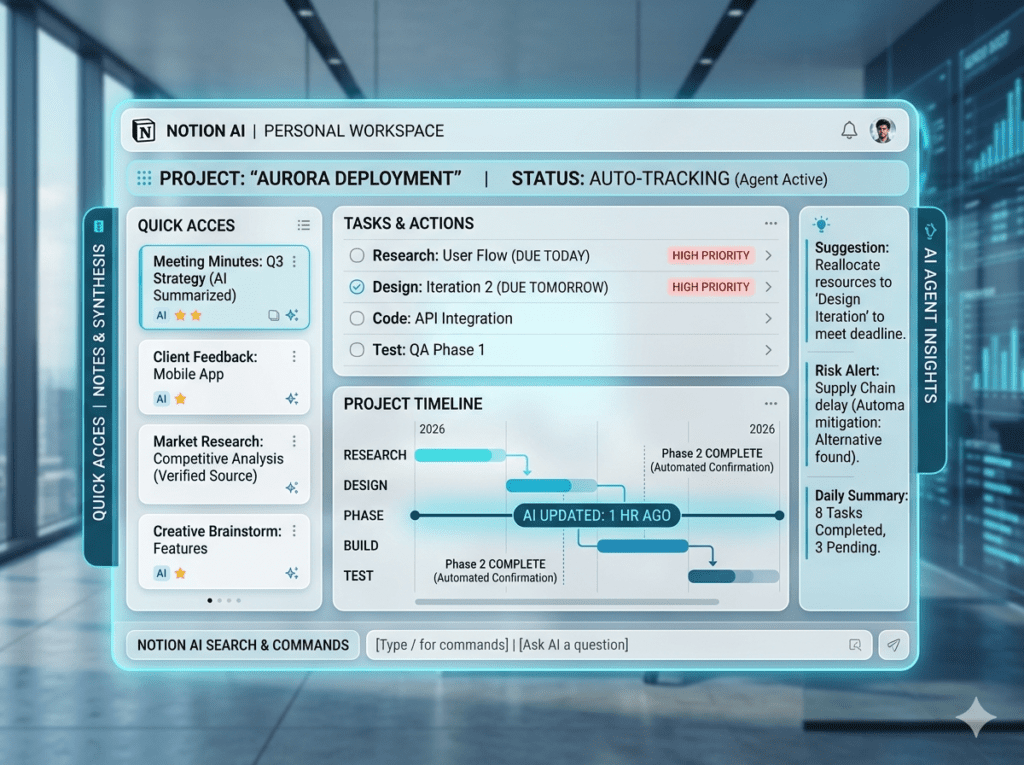
Notion AI replaces Trello, Evernote, Confluence, and Google Docs, consolidating your workspace into one hub.
🔥 Features
- Summarizes notes and documents
- Converts notes into tasks
- Tracks deadlines automatically
View this tool’s official site here
💡 Real-World Example
A marketing agency switched from Docs + Trello + Slack to Notion AI, saving 12 hours per week per employee. Tasks automated:
- Meeting notes
- Status updates
- Project post-mortems
Pair with 7 Best AI Prompts to Humanize AI Content for streamlined writing.
🎯 3. Gamma — Stunning Presentations in Minutes
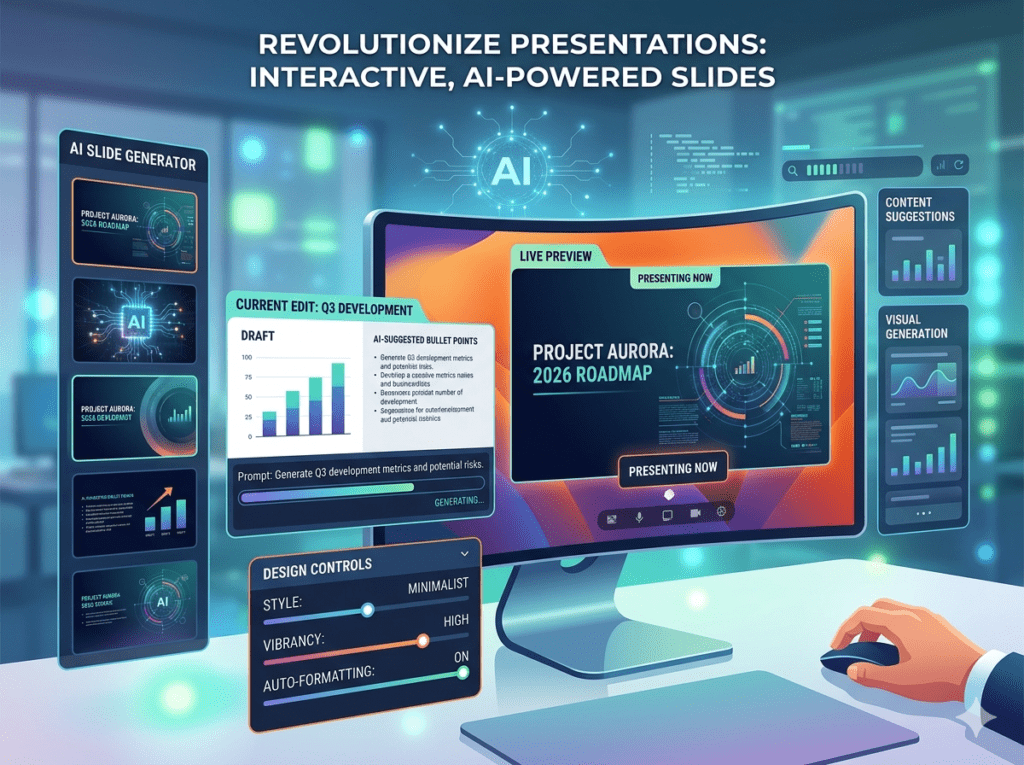
Gamma treats presentations like living web pages, replacing PowerPoint, Google Slides, and Keynote.
💡 Real Use Case
Freelancers can create media kits in minutes, complementing How to Create a Media Kit in 2026.
🎤 4. Fireflies.ai — Capture, Analyze, Act
Fireflies.ai replaces Otter.ai, Zoom transcription, and manual note-taking, a key AI tool for productivity.
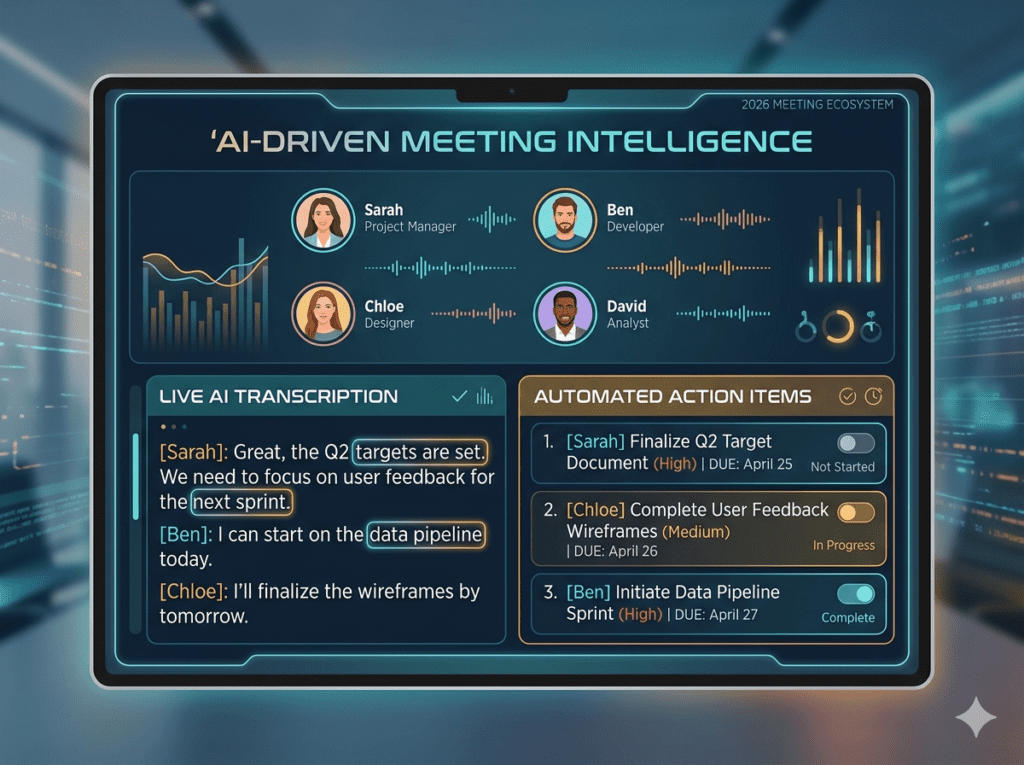
💡 Monetization Example
Turn meetings into:
- Blog posts
- Social media content
- Newsletters
Works with 15 Best US Remote Jobs Without a VPN in 2026.
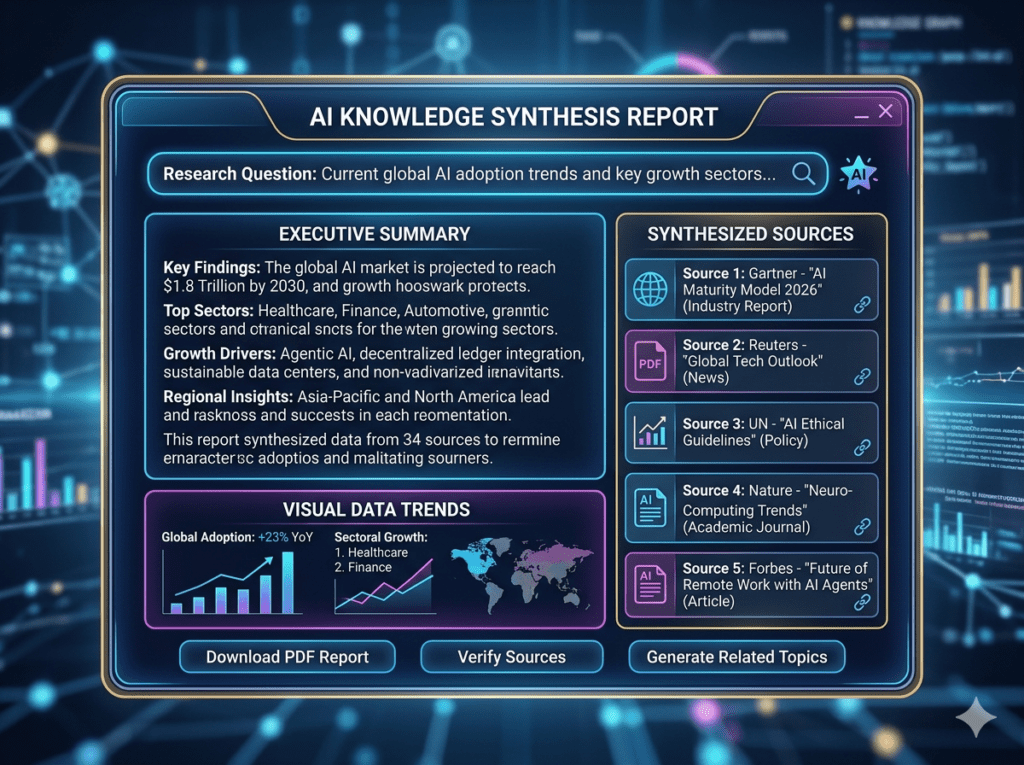
🔍 5. Perplexity AI — Research Smarter
Perplexity AI replaces traditional search and summarizes results, making it a must-have AI tool for productivity.
💡 Benefit
- 1–2 hours research → 5–10 minutes
- Produces formatted, source-cited reports
- Perfect for content ideation & market research
Pair with 7 High-Demand Tech Skills in 2026 to monetize your expertise.
🔗 6. Zapier — Automate Repetitive Tasks
Zapier replaces manual data entry and basic RPA tools, making it an essential AI tool for productivity.
💡 Example
New blog post → Auto-share → Collect emails → Send follow-ups
Combine with 15 Best Free Apps Every Beginner Should Have in 2026 for streamlined workflows.
⏰ 7. Motion — Self-Optimizing Calendar
Motion replaces Calendly, Google Calendar, and Todoist. It’s perfect for AI tools for productivity that manage schedules automatically.
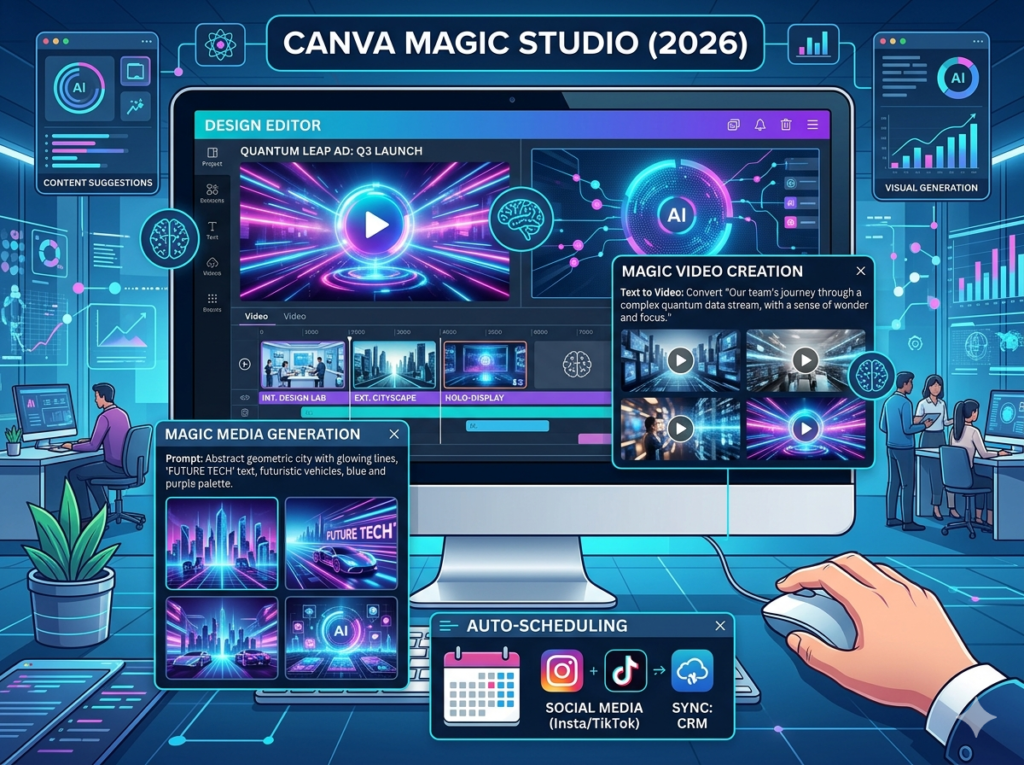
🎨 8. Canva — AI-Powered Creative Suite
Canva Magic Studio replaces Adobe Express, stock photos, and basic video editors.
💡 Real Use Case
One creator can:
- Design social media content
- Produce videos
- Manage marketing campaigns
Works perfectly with Best Phone for Content Creation.
❓ FAQ: AI Tools for Productivity
Q1: What are the best AI tools for productivity in 2026?
ChatGPT, Notion AI, Gamma, Fireflies.ai, Perplexity AI, Zapier, Motion, Canva Magic Studio.
Q2: Can AI tools for productivity replace multiple office apps?
Yes. ChatGPT replaces Google Docs + Grammarly; Notion AI replaces Trello + Evernote; Canva replaces multiple design tools.
Q3: Are AI tools for productivity beginner-friendly?
Yes, with free tiers and beginner-friendly guides like 15 Best Free Apps Every Beginner Should Have in 2026.
Q4: Do I need a high-end computer?
No. Most are cloud-based and mobile-friendly.
Q5: Can AI tools for productivity help me earn money?
Yes. Freelance, blogging, content agencies, and remote jobs all benefit. See How to Create a Media Kit in 2026.
Q6: How do I combine AI tools for productivity effectively?
Workflow: ChatGPT → Notion AI → Gamma → Fireflies → Zapier → Motion → Canva.
Q7: Will AI content sound robotic?
Not if you use 7 Best AI Prompts to Humanize AI Content.
Q8: Can AI tools for productivity help me earn a six-figure income?
Yes, when combined with 7 High-Demand Tech Skills in 2026.
🚀 Final Thoughts
Adopting AI tools for productivity is essential to:
- Save hours weekly
- Reduce mental fatigue
- Increase earnings and content output
And it all starts with ChatGPT.